Introduction
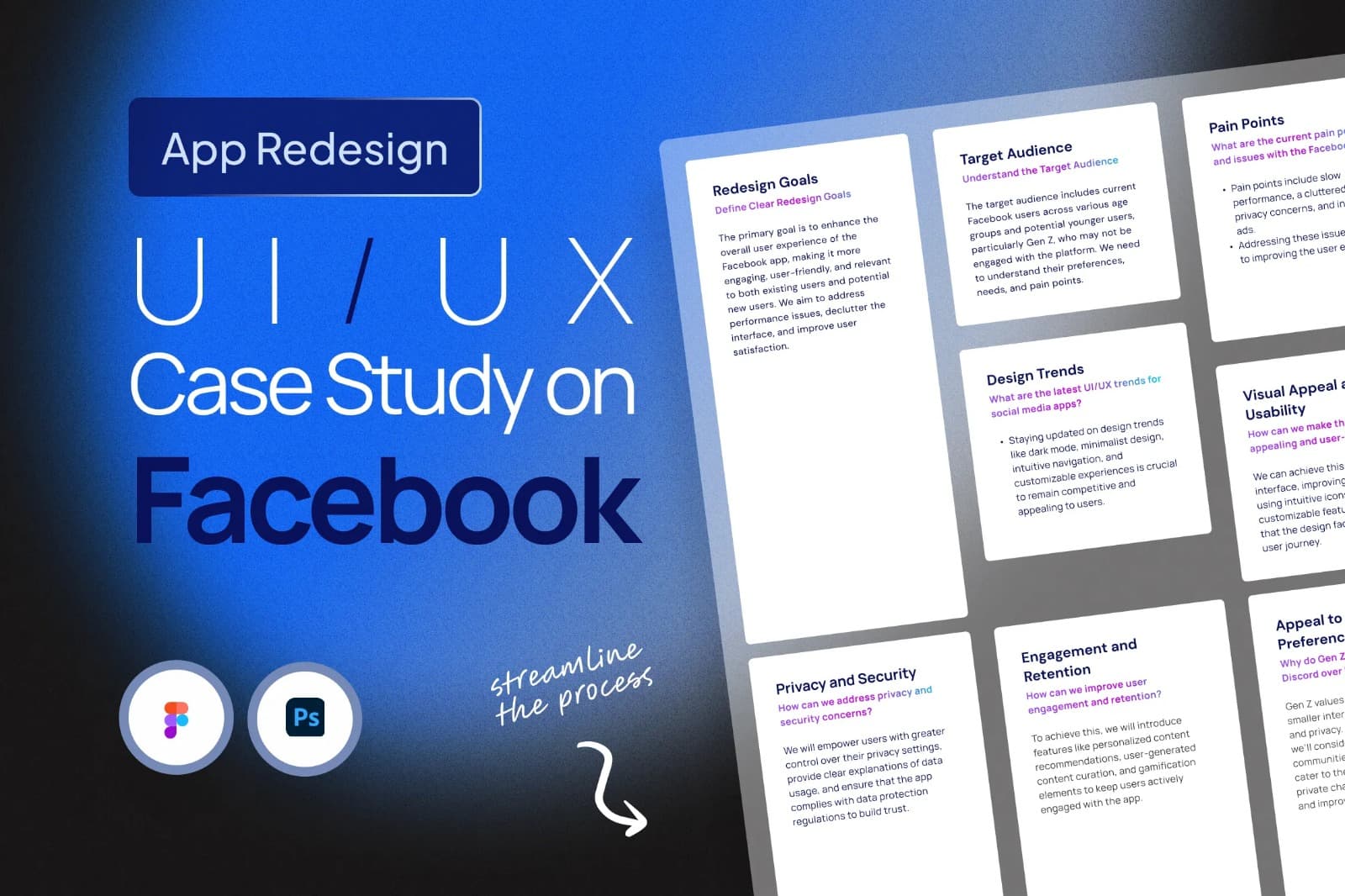
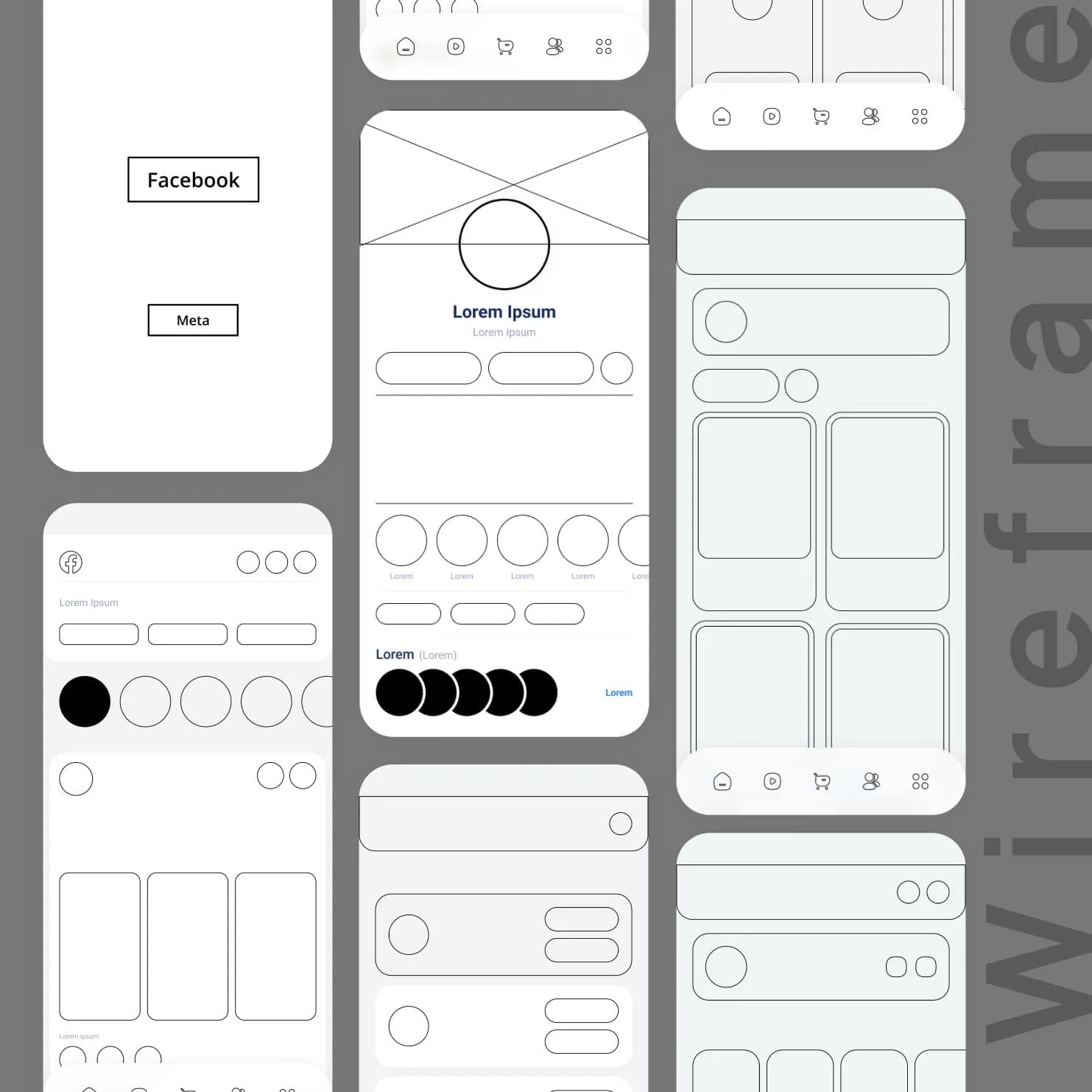
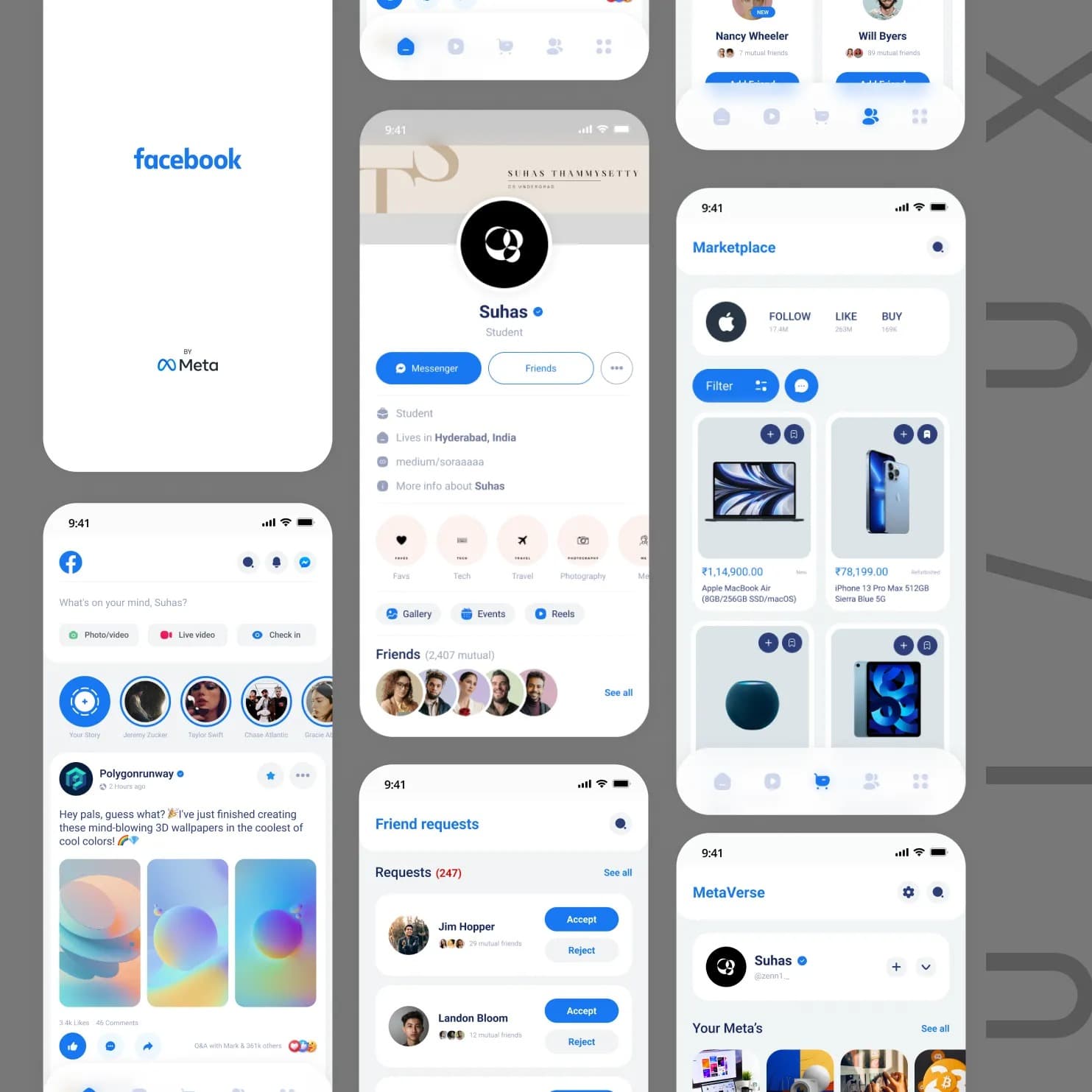
In this UI/UX case study, I redesigned the Facebook app, now renamed Facebook Meta. The primary focus is on enhancing the user experience and modernizing the interface. The redesign covers the Home Screen, Profile Screen, Friend Requests Screen, Notifications Screen, Menu Screen, Reels Screen, and Marketplace Screen.
Goals
- Enhanced User Experience: Improve user engagement and satisfaction through an intuitive and visually appealing interface.
- Consistency: Ensure a consistent design language across all screens, reinforcing the Meta brand identity.
- Personalization: Empower users to curate their content and connections effectively.
Home Screen
Objective
Create a dynamic and immersive Home screen that prioritizes personalized content.
Design Principles
- Dynamic Content Feed: Implement a dynamic feed that emphasizes relevant posts and content. Leverage Meta’s augmented reality capabilities to introduce interactive elements.
- Personalized Suggestions: Incorporate AI-driven suggestions for friends, groups, and pages based on user interests and behavior.
Profile Screen
Objective
Redesign the Profile screen to showcase the user’s identity and connections more effectively.
Design Principles
- Revamped Layout: Present user information in a cleaner, more organized layout with easy access to profile details, photos, and posts.
- Featured Content: Allow users to highlight favorite posts, photos, and achievements to better express their personality.
Friend Requests Screen
Objective
Streamline the process of connecting with friends and discovering new connections.
Design Principles
- Card-Based Design: Display friend requests and suggestions in a card format for quick review and action.
- Interest-Based Suggestions: Recommend connections based on shared interests, mutual connections, or location.
- Quick Actions: Enable one-tap actions for sending friend requests, following, or messaging users directly.
Notifications Screen
Objective
Provide a centralized hub for managing notifications and interactions.
Design Principles
- Categorization: Group notifications into categories such as likes, comments, and mentions.
- Notification Prioritization: Use machine learning to prioritize notifications based on user preferences and past interactions.
Menu Screen
Objective
Redesign the app’s navigation menu to be more intuitive and accessible.
Design Principles
- Tab Bar Navigation: Replace the traditional sidebar with a bottom tab bar for quick access to Home, Profile, Reels, Marketplace, and Notifications.
- Customization: Allow users to reorder tabs or add shortcuts for frequently used features.
- User Avatar Menu: Group user-specific actions and settings under the profile avatar for a cleaner layout.
Reels Screen
Objective
Create an immersive space for short-form video content aligned with modern consumption habits.
Design Principles
- Full-Screen Experience: Make Reels full-screen by default to maximize immersion.
- Interactive Features: Integrate comments, reactions, and sharing directly into the interface.
- Personalized Feed: Curate content based on user preferences and engagement history.
Marketplace Screen
Objective
Redesign the Marketplace to deliver a seamless buying and selling experience.
Design Principles
- Unified Shopping Cart: Allow users to add items from multiple sellers into a single cart.
- Visual Search: Enable product discovery through image-based search.
- Seller Profiles: Highlight seller ratings and reviews to build trust.
Conclusion
The Facebook Meta app redesign focuses on delivering a cleaner, more immersive, and more personalized user experience. By unifying design language and leveraging personalization and emerging technologies, the redesign aligns with Meta’s vision of a connected and immersive digital world.